How to Create a Private and Secure Online Identity | NordPass
Daryl Fillion
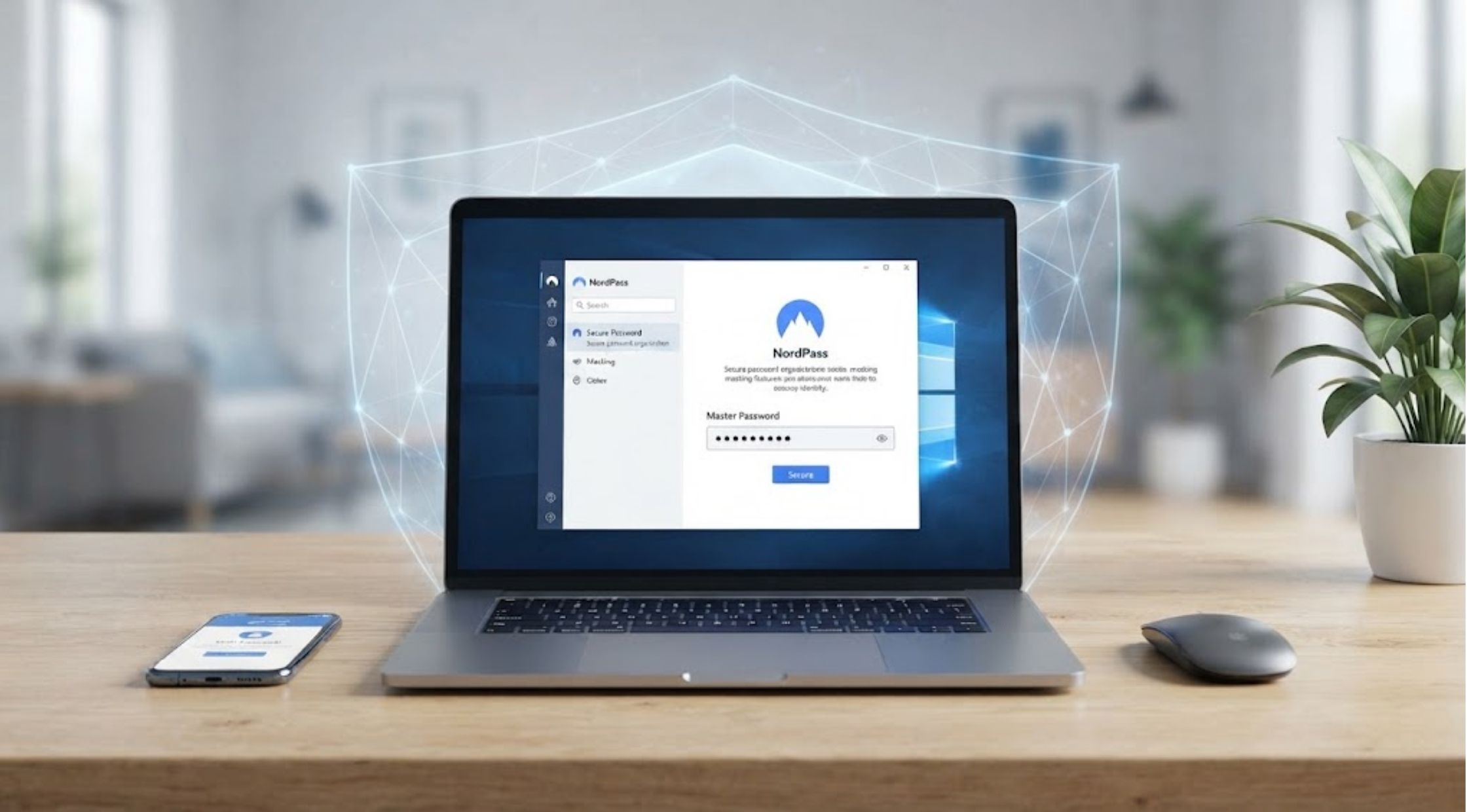
Your online identity is made up of more than just your name and email address.
Your online identity is made up of more than just your name and email address. Your username, password, account settings and information shared over various platforms can all add to your online profile. You can make accounts management more convenient and private by creating an organized and privacy-minded work. While you're on a mission to improve your password behaviours, NordPass can help you stay organised with important account details.
Username Privacy & Anonymity Strategy
How to Choose a Username Without Revealing Too Much
When setting up an online account, one of the first items that others notice is probably your username. If privacy is important to you, don't include information that identifies you directly, such as your full name, birth year, where you were born, where you work, etc.
If you want to make a reddit account, a reddit username generator can offer ideas when you don't intend to use your normal username. You can also string together unrelated words, numbers or creative phrases to create something unique, but without giving away excessive personal details.
Create Anon Usernames
Using anonymous usernames can be beneficial if you want your online identity to be more anonymous. The anonymous style username does not mean that the account is completely anonymous, but it does mean that there is less personal information in the public eye.
Use neutral language, imaginary ideas, or random phrases rather than personal information. Keep in mind as well that the things you publish, profile, and communicate might be communicated indirectly.
Different Usernames for Each New Site You Visit
Having the same username on multiple platforms can help a person link multiple accounts that belong to the same user.
To protect privacy, you may want to have separate usernames for separate types of accounts. You may have multiple identities for public community accounts and use separate identities for accounts where you want more separation.
Managing several account details can be challenging; an organized digital security routine can help with that.
Password Management & Linux System Security
Creating Strong and Unique Passwords
A good password is hard for others to guess, and isn't used repeatedly on other critical accounts. Do not use easy combinations like names, birthdays, common phrases or predictable patterns.
A longer password or passphrase can serve as a good starting point. If an account includes sensitive data, it's even more crucial to not use the same password in another account.
How to Use a Password Manager
It can be difficult to keep track of several different passwords. A password manager keeps your logins in order and will help you keep it secure so that you don't need to memorize every password or keep choosing the same one over and over.
NordPass can be used as part of a password management system to maintain the organization of account details. Avoid keeping passwords in unsecured notes or documents, use a password-management tool and safeguard it with a strong master password.
How to Change the Password on Linux
Changing the password is an important task if you are using Linux, for good security practice. Typically, the linux change password process is done on the command-line using the appropriate command for changing passwords for the account (e.g. passwd).
When changing a password, ensure that you have the correct permissions and understand which account you're changing. If you are using a common or work computer, adhere to the security policies of the organization as well.
A Practical Approach to Organizing Linux Account Logins
If a Linux system is configured to have multiple accounts, then a user of Linux could have multiple accounts on that system. Using different credentials and passwords can minimise unnecessary security risks.
Do not store passwords in plain-text files or in some place where they could be found. A password manager will offer a better system of organizing credentials across services and devices instead of using a password.
Account Security & Information Separation
Steps to Secure Online Accounts
Passwords are just a piece of the account security puzzle. If possible, use other account protection features, e.g. multi-factor authentication. Periodically review account recovery options and ensure that the e-mail address is protected too.
Beware of unfamiliar login alerts, reset password emails or links requesting personal information. Please check the origins of a message before giving account details.
To Separate Public and Private Information
Be mindful of the information that you share publicly. Sometimes minor details will add up to a better idea of who you are.
Look through social media and community profiles on a regular basis. Take some of the personal details away and ask yourself, do your username, profile picture, bio, and posts show more than you meant?
Digital Security Routine & Long-Term Privacy
Establishing a Basic Digital Security Routine
Establishing a basic digital security routine is actually a great way to better safeguard yourself on the Internet.
Security doesn't have to be complex. First, you should determine which accounts are most critical to you, including your email, banking, cloud storage, and social media accounts. Use different passwords for all important accounts, and use extra security measures if available.
Check your accounts from time to time, cancel services that you're not using, and update your credentials if there's a good reason to do so.
Keeping Your Privacy in Mind Over Time
Online privacy isn't a job that's done and done; it's a job that's being done. When establishing new accounts and participating in new platforms, consider what info you are comfortable sharing.
If you're checking out a reddit username generator, exploring anon username creation, or studying how to change password in linux, there are little things that can aid make your internet existence a lot more organized. NordPass also lets you incorporate password organization into a bigger routine that includes securing your online accounts.
Comment:
Your email address will not be published. Required fields are marked *
Search
Related Posts
Oct 24, 2026
How to Learn English Online While Improving Your Everyday Vocabulary
English proficiency can lead to enhanced career prospects, global communication and personal development.
Oct 24, 2026
How to Choose Electric Scooters and Power Stations
Here are some tips for selecting electric scooters and portable power stations.
Oct 22, 2026
How to Choose a Mini Split or Portable AC | Della Guide
The factors which you can consider while selecting an air conditioner are the size of the area, cooling requirements, installation flexibility and budget.