How to Choose the Best Digital Camera for Kids Without Adding More Screen Time
Daryl Fillion
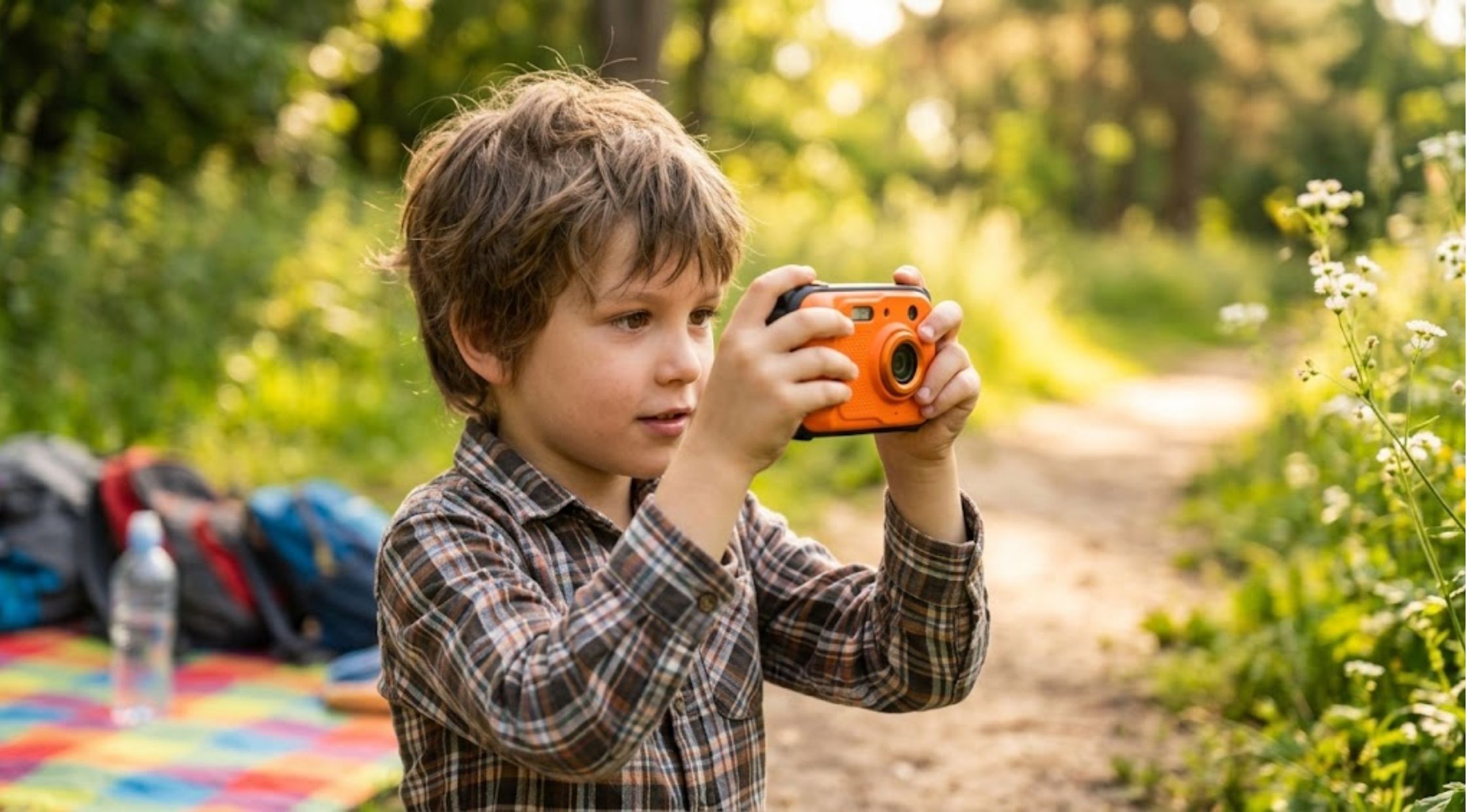
Finding a camera for a child sounds simple until you start looking at the options.
Finding a camera for a child sounds simple until you start looking at the options. Some models are packed with complicated settings, others encourage constant screen checking, and many are designed more like miniature smartphones than cameras.
So what should parents actually look for in a Digital Camera for Kids?
The right choice should be easy enough for a child to use independently, enjoyable enough to keep them interested, and practical enough to take on holidays, family outings, sleepovers, or summer adventures. Most importantly, it should let children enjoy taking pictures without turning photography into another reason to stare at a screen.
Why Choosing a Kids Camera Can Be Surprisingly Difficult
Too Many Features Can Make Things Complicated
Adults may appreciate menus, advanced controls, zoom settings, and multiple shooting modes. Younger photographers often don't need any of them.
When a camera requires several steps just to take a picture, children can quickly lose interest. A simple point-and-shoot design can make photography much more approachable.
When comparing a Kids Digital Camera, focus on the basics first: Can a child understand how to take a picture? Can they carry it comfortably? Can they use it without constantly asking for help?
Screens Can Become the Main Attraction
Many digital cameras allow users to immediately review every photograph. While this can be useful, it can also change the experience from taking pictures to checking pictures.
For parents looking for a more focused photography experience, a screen-free camera offers a different approach. Children can take the photograph and continue enjoying whatever they are doing instead of stopping repeatedly to review the result.
Durability Matters
Children aren't always as careful with electronics as adults.
A camera taken to camp, the park, a birthday party, or a family trip needs to be practical enough for everyday use. Before buying, consider how easy it is to carry, whether it has a secure strap or lanyard option, and whether its design is suitable for the environments where your child will use it.
What Should You Look for in a Digital Camera for Kids?
There isn't one perfect camera for every child. The best option depends on age, interests, and how the camera will be used.
Here are some of the most useful features to consider.
1. Simple Controls
The camera should make the basic process obvious.
A child shouldn't need to understand photography terminology before taking their first picture. A straightforward shutter button and minimal controls can make the learning curve much easier.
This is particularly important for younger children who are discovering photography for the first time.
2. A Screen-Free Experience
If reducing distractions is one of your priorities, consider a Digital Camera for Kids without a playback screen.
A screen-free design encourages children to concentrate on the moment they're photographing rather than immediately checking the result. It can also make photography feel more like an activity than another digital entertainment experience.
3. Enough Battery Life
There's nothing more frustrating than finding the perfect photo opportunity and discovering that the camera has run out of power.
Look for rechargeable models with enough capacity for a full day of typical use. The Camp Snap 2, for example, is designed to capture around 500 photos on a full charge, according to the manufacturer.
4. Creative Options
Children don't necessarily need professional controls to be creative.
Simple built-in filters can give them opportunities to experiment with different visual styles. Camp Snap 2 currently includes six interchangeable filters that can be selected directly on the camera without requiring an app.
This lets children explore photography creatively while keeping the process straightforward.
5. Storage That Doesn't Require Constant Maintenance
A camera should have enough storage for the way your child plans to use it.
For example, Camp Snap 2 comes with a pre-installed microSD card that the manufacturer says can hold around 2,000 photos, with expandable storage available.
That can be useful for trips or camps where children may take dozens or hundreds of pictures before the camera is connected to another device.
How to Make Photography More Enjoyable for Children
Buying the camera is only part of the experience. Giving children simple photography challenges can make it much more engaging.
Try asking them to photograph:
- Five things they find interesting
- Their favourite place at the park
- Something in three different colours
- A funny moment during a family trip
- Interesting textures or patterns
- Their favourite objects at home
- Something they have never photographed before
The goal isn't to create technically perfect images. It's to encourage observation and creativity.
You can also create a small photo journal where children choose their favourite pictures after a trip. This gives their photographs a purpose beyond simply filling up a memory card.
A Simpler Alternative to Complicated Kids Cameras
For families who want something uncomplicated, Camp Snap takes a deliberately simple approach to digital photography.
The current Camp Snap 2 has no screen, uses point-and-shoot controls, includes CampLock settings designed for younger photographers, and uses a rechargeable design. The company also describes the camera as screen-free and intended for camps and younger photographers.
That combination makes it an interesting option for parents who want their child to experience photography without handing them another device filled with menus, apps, and distractions.
What Do You Gain by Choosing the Right Camera?
A well-designed Kids Digital Camera can offer more than a way to take pictures.
More Independence
Simple controls allow children to experiment without needing an adult to explain every function.
More Creativity
Filters, photography challenges, and everyday exploration can encourage children to look at familiar surroundings differently.
Less Dependence on Screens
A screen-free camera changes the photography experience. Instead of taking a picture and immediately checking it, children can simply take the shot and return to whatever they are doing.
More Memories From Everyday Adventures
Children often notice details adults overlook. Giving them a camera can encourage them to document holidays, friendships, hobbies, family activities, and small moments that might otherwise go unnoticed.
Choose Based on How Your Child Will Actually Use It
Before buying a Digital Camera for Kids, think about your child's routine rather than simply choosing the model with the longest feature list.
Will they use it at summer camp? On family holidays? Around the house? During outdoor adventures? Do they need creative filters, or would they prefer the simplest possible controls?
Those questions can narrow the options quickly.
For parents who want a straightforward, screen-free photography experience, Camp Snap offers a deliberately uncomplicated approach. Its current camera combines point-and-shoot operation with rechargeable power, built-in filters, and kid-oriented settings.
Final Thoughts
The best Kids Digital Camera isn't necessarily the one with the most technology. It's the one a child will actually enjoy carrying, using, and experimenting with.
Look for simple controls, practical battery life, suitable storage, creative features, and a design that matches your child's lifestyle. If avoiding another screen is important, a screen-free camera can provide a particularly different photography experience.
Whether your child is discovering photography for the first time or already loves taking pictures, choosing a camera around their real needs can make the experience more enjoyable and help turn everyday moments into memories worth keeping.
Comment:
Your email address will not be published. Required fields are marked *
Search
Related Posts

Sep 11, 2026
How to Choose the Right Used Canon Camera
Camera shopping can be an expensive process, particularly if you wish to purchase a camera that does not cost the price of the new camera that you are considering.

Sep 11, 2026
How to Buy Used Cameras and Camera Gear Without Sacrificing Quality
Buying camera equipment can be expensive, especially when you're trying to build a serious setup for photography or video.

Sep 10, 2026
How to Create a Private and Secure Online Identity | NordPass
Your online identity is made up of more than just your name and email address.